
Youtube playlist to Invidious csv file

This page uses yt-dlp to generate a
csv file
from a youtube playlist that can be imported to Invidious as an Invidious playlist.

Invidious requires a certain format of csv in order to import playlists from youtube. Supposedly, you can obtain csvs for importing from "google takeout", but I couldn't get anything from it. Invidious and Grayjay have recently been having trouble fetching playlist data from youtube - probably youtube being fiercely protective of their monopoly again - but I'm happy to say that, as always, yt-dlp remains up-to-date.

It's difficult to find tools that can do this right now, so I thought I'd make my own!

How to import to Invidious
  1. You need an account on whatever instance you're using. Depending on the instance, account signups may be disabled.
    On my instance, they're enabled.

    Signing up is free and takes like 1 minute. No reason not to do it!

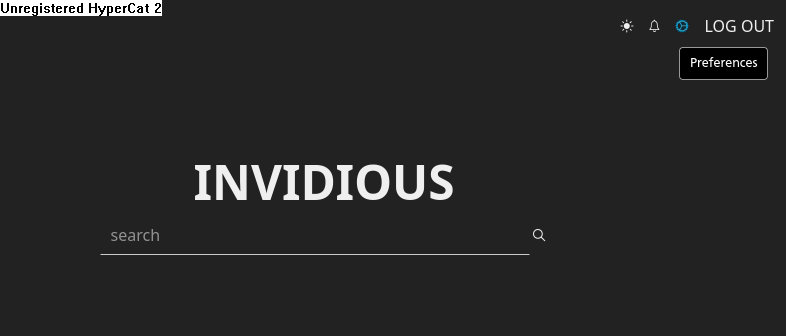
  2. Click on Preferences:

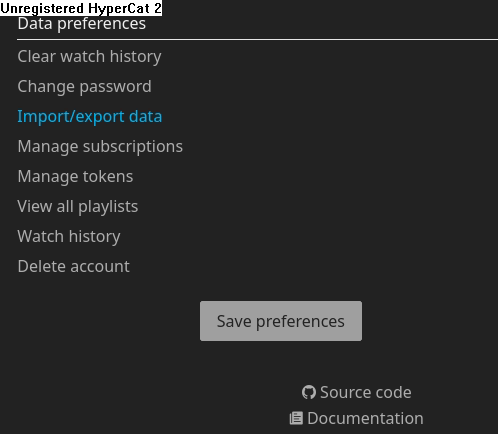
  3. Click on Import/export data. It's at the very bottom of the page.

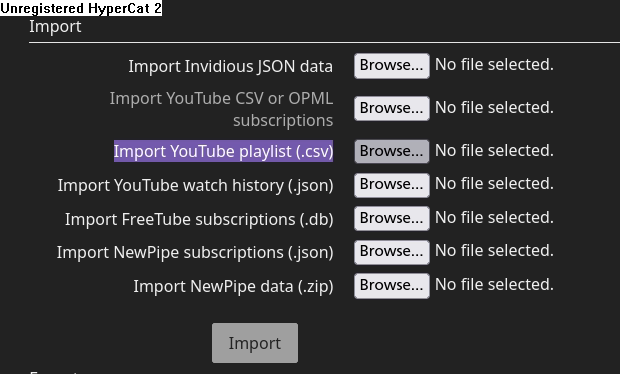
  4. Next to Import YouTube playlist (.csv), click Browse. Upload the csv file you got from my tool above! Then, click Import!


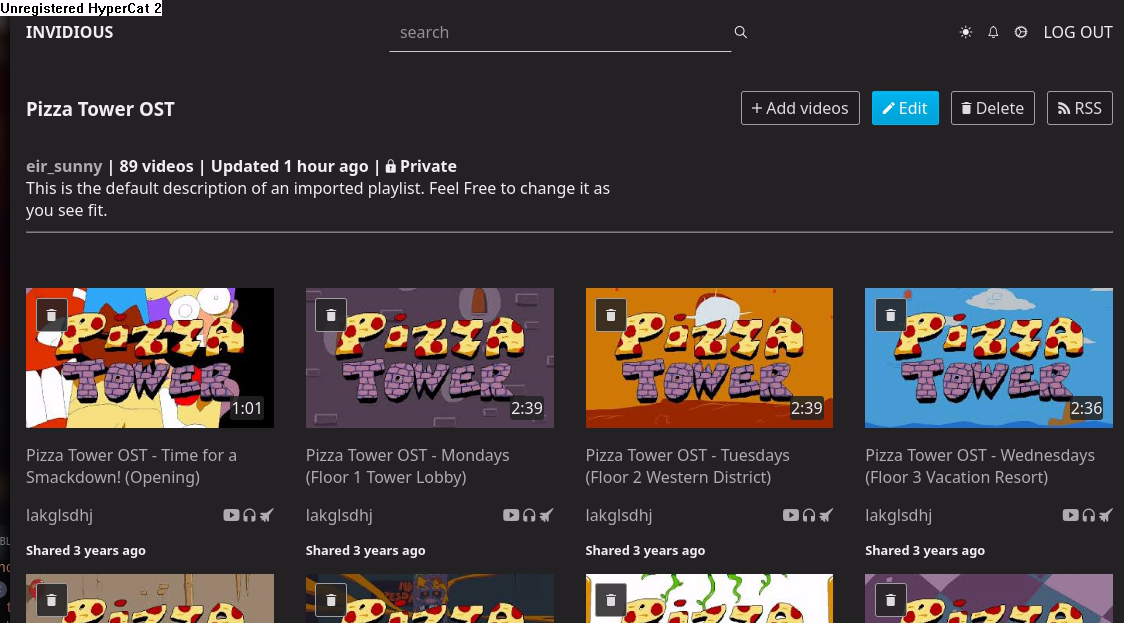
Once your playlist finishes importing, you'll be taken to its page. It will look something like this.

By default, your playlist is Private, meaning only you can access it. If you'd like to make it Public to send to your friends, click Edit!

Note

If you clicked Import and your browser gets stuck loading, it's probably because your playlist is very large.
Go back to Preferences, then to View all playlists to see the new Invidious playlist. Give it a minute, then refresh.